
Meter Reading Schedule
The District reads all customer meters on the 1st of each month, or on the closest business day when the 1st falls on a weekend or holiday. For safety and accuracy, meter reading may be delayed during severe weather or conditions that prevent staff from accessing meter boxes. Readings resume as soon as conditions allow.
If You Believe Your Meter Is Reading Incorrectly
If you think your meter may be reading high or low, you can perform a quick self‑check at home. Scroll down to the “How to Check Your Meter” section for step‑by‑step instructions on verifying flow, checking for leaks, and confirming that the display is working properly.
How to Read Your Water Meter
Step 1 — Locate Your Meter Box
Your meter box is usually located near the front of your property, close to the street, and generally in line with your main outdoor faucet. Most boxes are green plastic and clearly marked.
To open the lid:
-
Insert a large screwdriver or similar tool into one of the holes.
-
Gently pry upward to remove the lid.
Step 2 — Open the Meter and Activate the Display
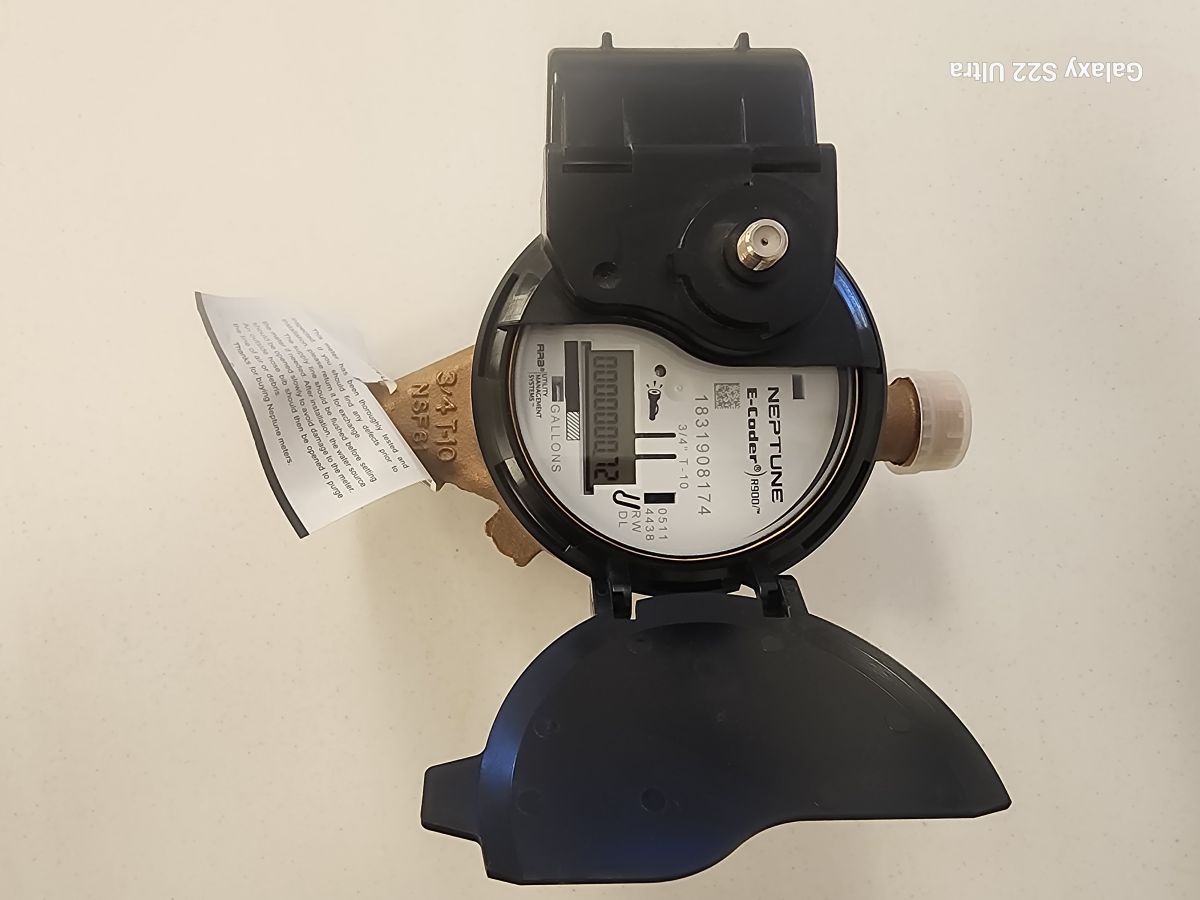
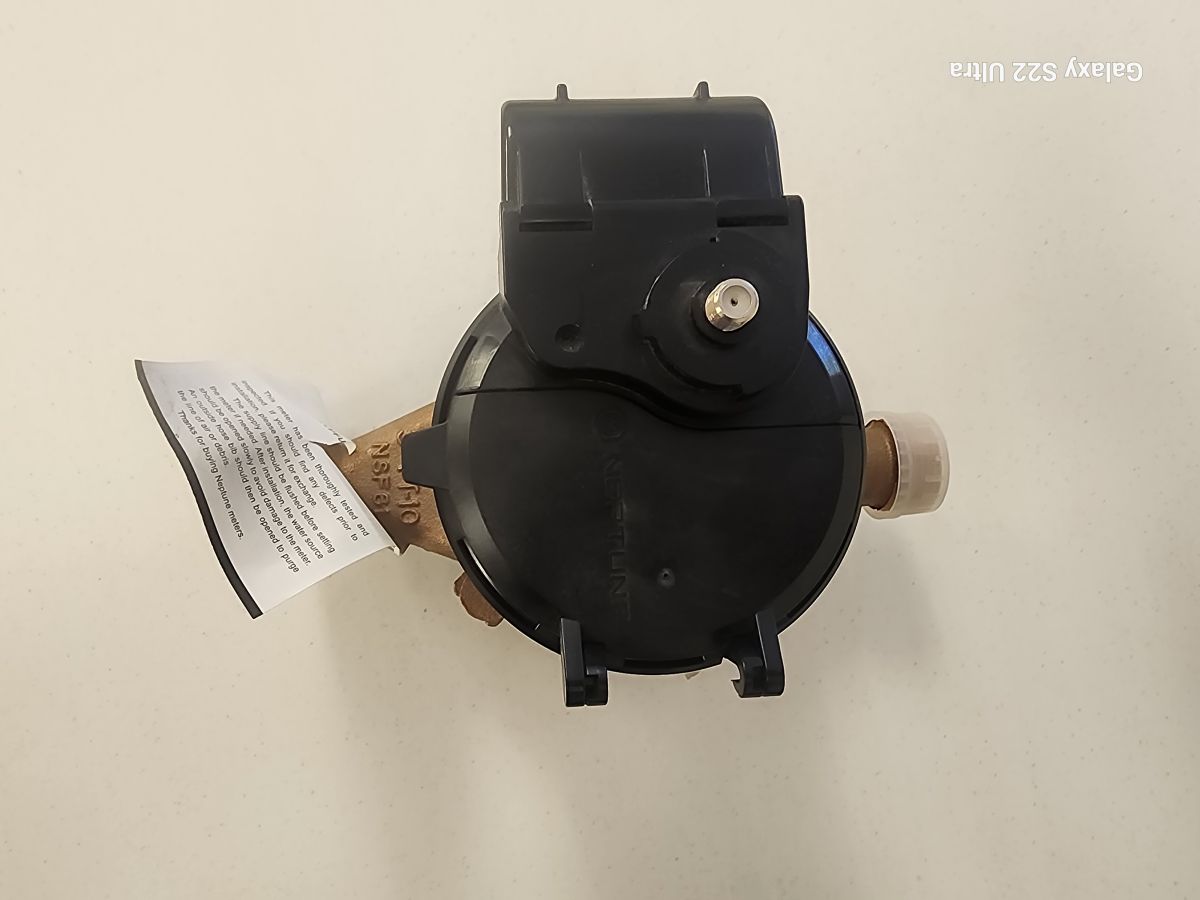
Inside the box, lift the protective cap on the meter.
On the meter face, you’ll see a small flashlight icon. If the screen is blank:
-
Shine a light directly on the icon to wake up the display.
Step 3 — Read Your Meter
Read the numbers from left to right. All readings are in gallons.
Checking for Leaks
Allow the display to cycle through its screens. You will see:
-
0.0 — No flow detected
-
Arrow icon + GPM number — Water is flowing
Examples:
-
A running toilet can use up to 6.00 GPM
-
A slow, silent toilet leak may use as little as 0.02 GPM (about 30 gallons per day)
These indicators help you determine whether water is flowing when all fixtures should be off.